

TrekPay
Get TrekPay

Self-custodial Kerrigan wallet

Travel light. Stay shielded.

TrekPay is a Kerrigan wallet that keeps your keys on your device. Send KRGN in seconds with InstantSend, shield your coins when you want privacy, and run your nodes from your phone.

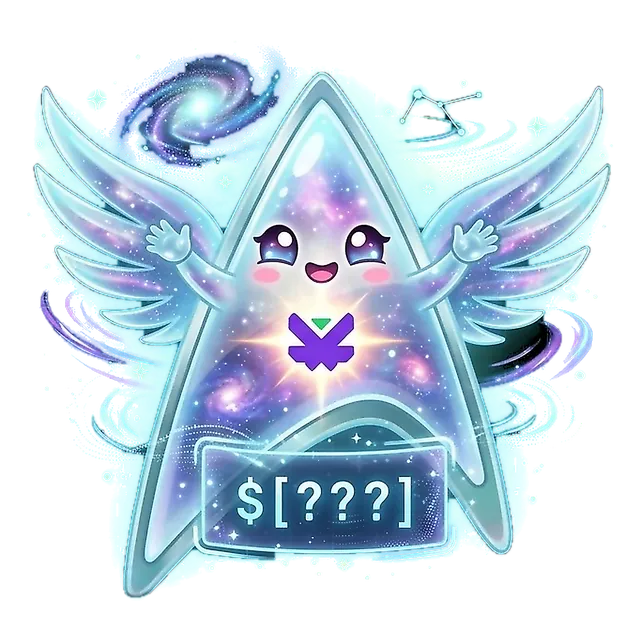
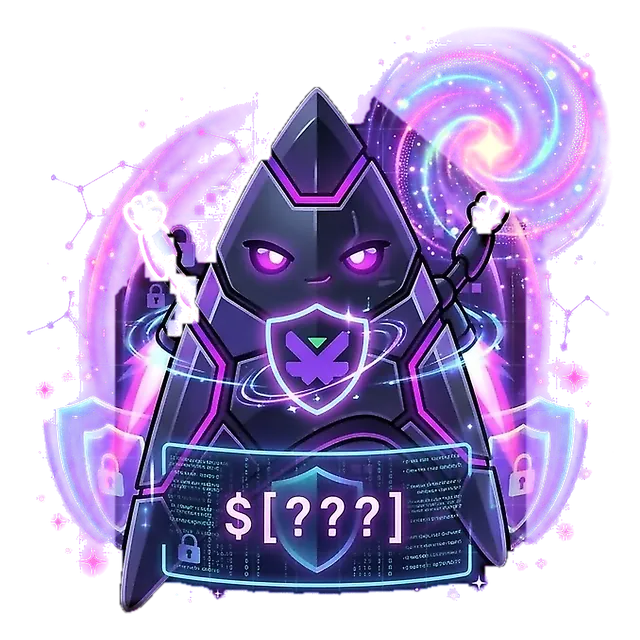
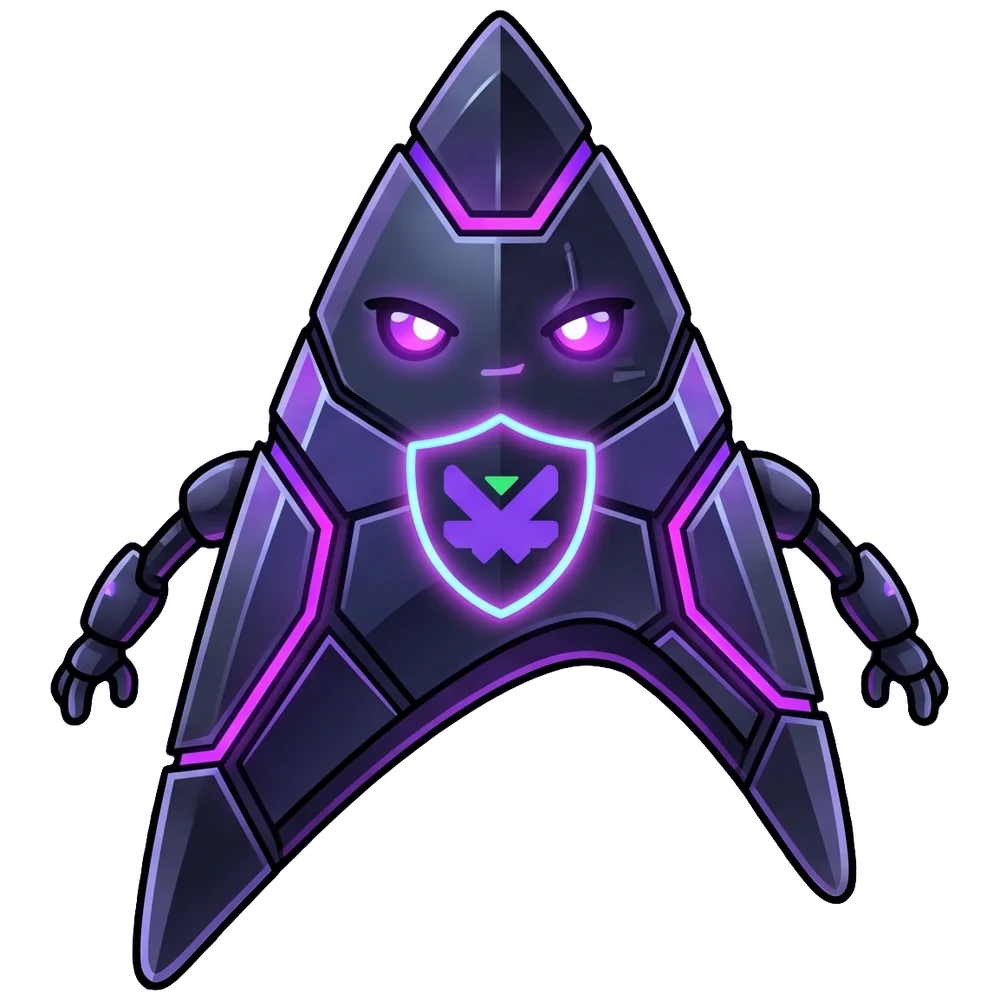
Delta, the TrekPay mascot: one half clear glass, the other half dark armour Transparent Shielded

Drag the beam. Delta has two sides.

The route

Seven stops, one wallet

Scroll and Delta flies the route with you. Each stop is something TrekPay does. Flip the switch at any point to see the same trip from the other side.

01Launch Pad

Your keys stay with you

Create a wallet and write down your recovery phrase. The phrase and your keys stay on your device. There's no account to open, and TrekPay never holds your coins.

  • 12- or 24-word recovery phrase, with an optional passphrase
  • Several accounts from one phrase
  • View-only wallets from an xpub or a shielded viewing key

02Cloak Field

Shield your coins when you want to

Shield KRGN, send it privately with an optional encrypted memo, and unshield whenever you need. A shielded send keeps the sender, the receiver and the amount off the public record.

  • Shield your whole transparent balance in one tap
  • Optional Tor for every connection
  • No ads and no tracking

What the chain sees TransparentShielded

From
hidden
To
hidden
Amount
hidden
Memo
encrypted

Moving coins between your transparent and shielded balances shows the transparent side of that step. A send from shielded to shielded shows none of this.

03Warp Lane

Payments final within seconds

With InstantSend, the masternode network locks your payment within seconds, so nobody waits for the next block. Everyday sending stays simple too.

  • QR codes and kerrigan: payment links
  • Address book and coin control
  • Sign and verify messages
  • A labelled history you can filter by kind

04Name Beacon

Pay a name, not a long address

Register an easy name like yourname.kerrigan and share it instead of an address. Point it at any shielded address and change it whenever you like: people keep paying the same name.

  • TrekPay checks where a name points before you send
  • Give a name away, or use the Kerrigan NameSpace marketplace
  • Names belong to your recovery phrase, which also opens them on kerrigan-name.space

KNS names are run by Kerrigan NameSpace, a service separate from this wallet.

05The Hive

Run your nodes from your pocket

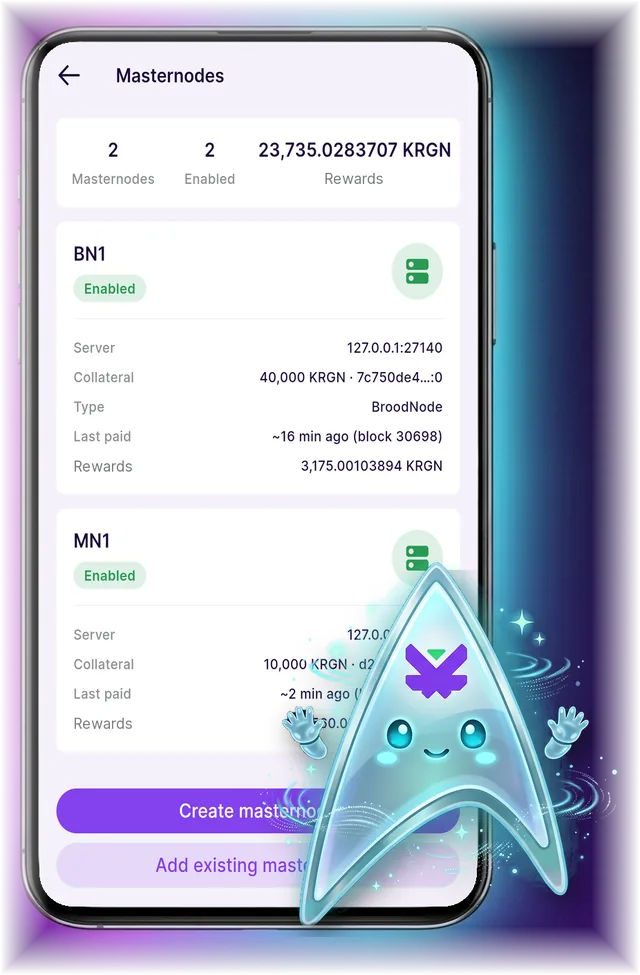
Register Masternodes and BroodNodes from the wallet, then follow their status and the rewards they receive in one place.

  • Create a node, or add one you already run
  • Server, collateral and last payment at a glance
  • Host it on your own server or with a provider you choose

Masternode

10,000 KRGN

1 vote

BroodNode

40,000 KRGN

4× vote weight

06The Council

Your nodes, your vote

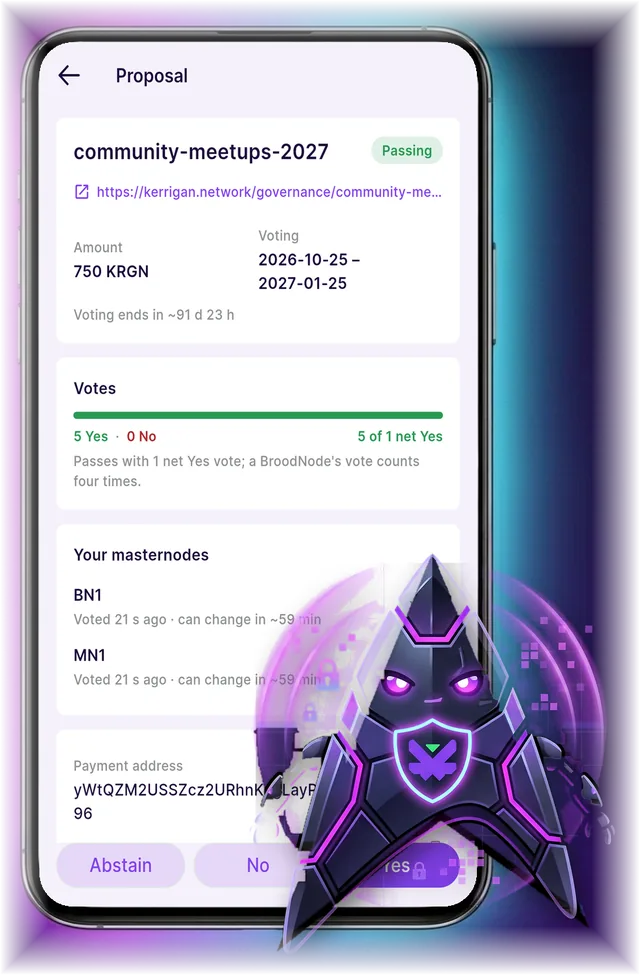
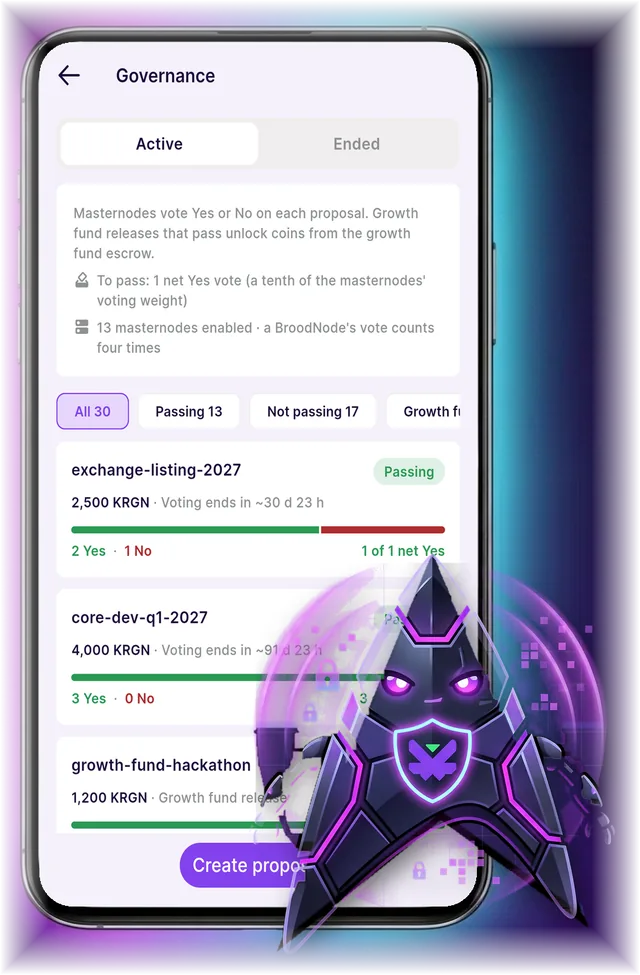
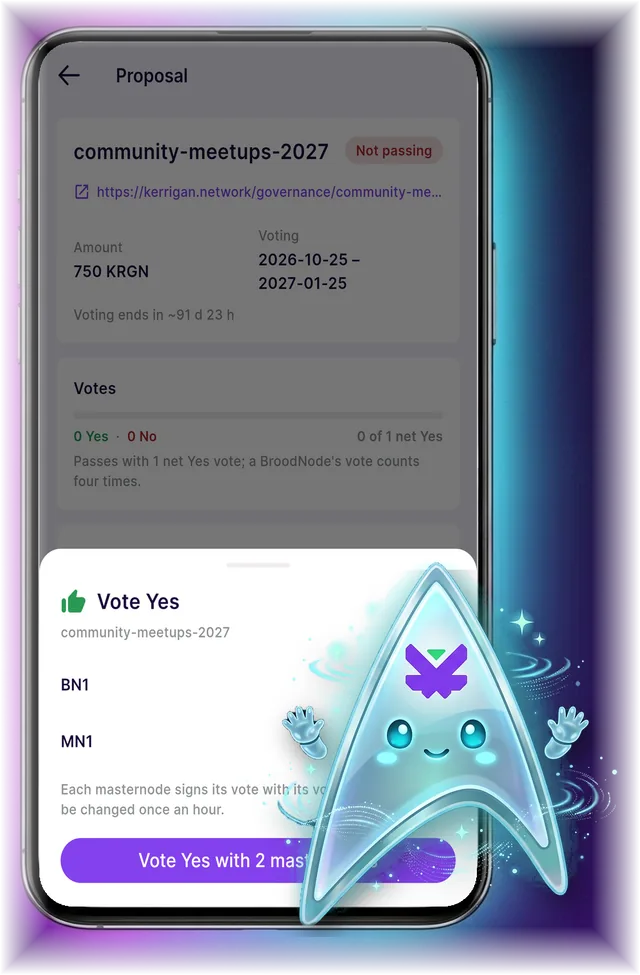
Browse proposals, see how each vote stands, and vote with all your nodes at once. Have an idea for the network? Submit your own proposal from the wallet.

  • One node, one vote, and a BroodNode's vote counts four times
  • Each node signs its own vote, on your device
  • Active and ended proposals side by side
A proposal in TrekPay with five Yes votes and the two masternodes that voted

07Safe Harbor

Ready for a bad day

Phones get lost. Lock TrekPay with a PIN and biometrics, keep encrypted backups, and bring everything back on a new device with your recovery phrase.

Keep your phrase written down somewhere safe. Whoever has it controls your coins, and nobody, the TrekPay team included, can restore it for you.

  • PIN lock
  • Biometric lock
  • Duress PIN: opens only the wallets you choose
  • Encrypted backups of wallets and settings
  • Automatic backups

Meet Delta

Your co-pilot has two sides

When you start, you pick how TrekPay works for you. You can change it later in Settings.

Transparent Delta, made of clear glass

Transparent Delta

Easy Crypto

Prices on. You see the KRGN price and your total wallet value in USD or another currency.

Recommended for most crypto users.

Shielded Delta, in dark armour

Shielded Delta

Incognito

Prices off. No calls to price services and no wallet value shown in other currencies.

Recommended for the privacy conscious.

Fuel Delta

TrekPay is free. If you'd like to support it, the Fuel Delta screen lets you send a donation from your wallet, and Delta powers up with each tier. It's optional and unlocks nothing.

  • Tiny SparkTiny Shield
  • Power CellShield Cell
  • Cyber ConsoleCyber Node
  • Quantum HyperdriveZero-Knowledge Aegis
  • Cosmic SurgeQuantum Aegis
  • Astro FlightStealth Flight
  • Limitless NovaInfinite Citadel

The cockpit

A look inside

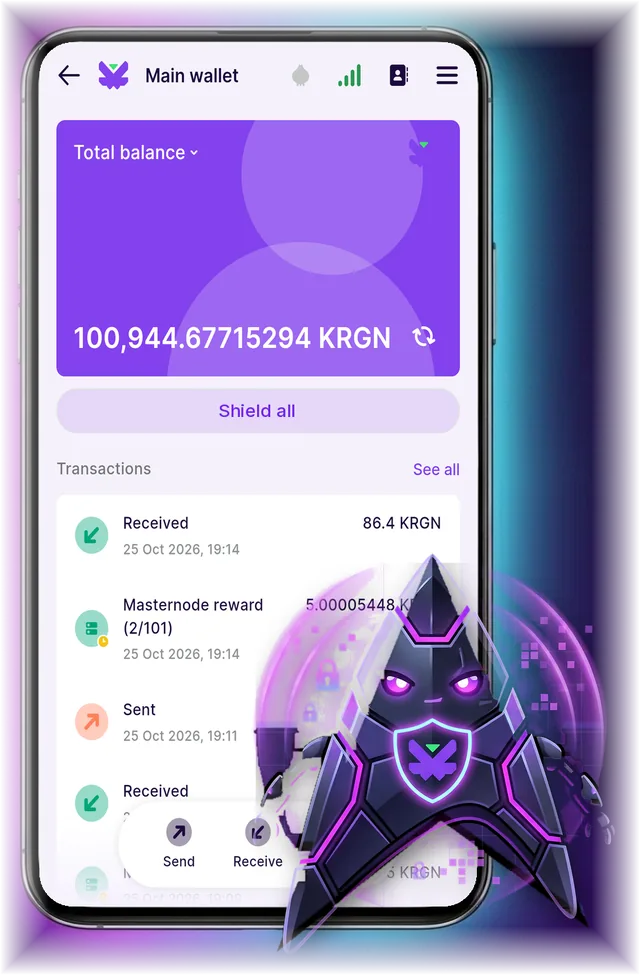
Your balance and history
Masternodes and rewards
Live proposals
Vote with every node

Arrival · v1.0.0

Get TrekPay

Available for Android, Linux, Windows and macOS, with iOS coming soon. Install from Google Play or GitHub Releases, or pick the package for your device below.

Linux x86_64

The AppImage and the tarball need glibc 2.39 or newer (Ubuntu 24.04, Fedora 40, Debian 13 or later). On older systems, use the Flatpak: flatpak install --user trekpay-1.0.0-x86_64.flatpak. It gets its runtime from Flathub.

Windows

Unzip and run TrekPay\trekpay.exe. The build isn't signed yet, so Windows may show “Windows protected your PC”. Click More info, then Run anyway.

macOS

Unzip and move TrekPay.app to Applications. The build isn't signed or notarized yet, so macOS blocks the first start. Open System Settings > Privacy & Security, click Open Anyway next to TrekPay and confirm.

iOS

Coming soon

TrekPay for iPhone and iPad is on its way to the App Store. Delta will announce it on Discord first.

Follow on Discord

Check your download

sha256sum -c --ignore-missing SHA256SUMS

Save SHA256SUMS in the folder with your downloads, then run the command there. On macOS, use shasum -a 256 -c --ignore-missing SHA256SUMS.

Android APK signing certificate SHA-256: 60:D0:9F:10:EC:DC:DD:BD:85:71:10:FD:93:CB:94:6D:BC:B9:07:F1:C4:AD:D1:E0:26:45:7C:E3:DD:C9:39:E9

Self-custody reminder: keep your 12- or 24-word recovery phrase written down somewhere safe offline. Whoever has it controls your coins, and nobody, ALEXXIY SOFTWARE LTD included, can recover or reset it for you.

Non-Custodial Software Notice: TrekPay, developed by ALEXXIY SOFTWARE LTD, is strictly non-custodial software. All cryptographic private keys and recovery phrases are generated, encrypted, and stored locally on the user's device. ALEXXIY SOFTWARE LTD never collects, accesses, holds, takes custody of, or controls user private keys, recovery phrases, or digital assets, cannot initiate or reverse blockchain transactions, and does not accept, process, or transmit fiat currency.

TrekPay does not provide exchange, brokerage, or investment services. Nothing on this website or in the app is financial, investment, legal, or tax advice, or an invitation to buy, sell, or hold any cryptoasset.

Briefing

Before you launch

Who holds my coins?

You do. Your recovery phrase and keys are created and stored on your device, and your coins live on the Kerrigan blockchain. TrekPay never holds them and can't move them.

What if I lose my phone?

Install TrekPay on a new device and restore with your 12- or 24-word recovery phrase, plus your passphrase if you set one. Without the phrase, nobody can restore your wallet.

What's the difference between transparent and shielded?

Transparent transactions show addresses and amounts to anyone, on a public ledger. Shielded transactions use zero-knowledge cryptography to keep those details hidden. TrekPay holds both balances and you decide when to shield or unshield.

How does TrekPay connect to the network and send transactions? Is it safe?

TrekPay connects to the Kerrigan network through kerrigan-bridge servers, over encrypted HTTPS. A bridge never gets anything that can spend your coins: your recovery phrase and keys stay on your device, transactions are signed there, and the bridge only passes the signed transaction on to the network. There's no sign-up, so the app never asks for your name or email. To show your balance, a bridge sees your IP address and transparent addresses, but it doesn't learn your shielded addresses or shielded balance. You can hide your IP address with Tor or use your own bridge in Settings, and the Privacy Policy lists everything a bridge sees.

Is TrekPay open source?

Yes, under the GPLv3 license. The code is on GitHub, and TrekPay is built on Stack Wallet by Cypher Stack.